Here's a common mistake: opening an AI tool and typing "create a course about workplace safety." What comes back is generic. It could belong to any company in the world.
The fix is simple: prepare a little before you start. Give the AI what makes your organization unique, and it becomes a powerful teammate.
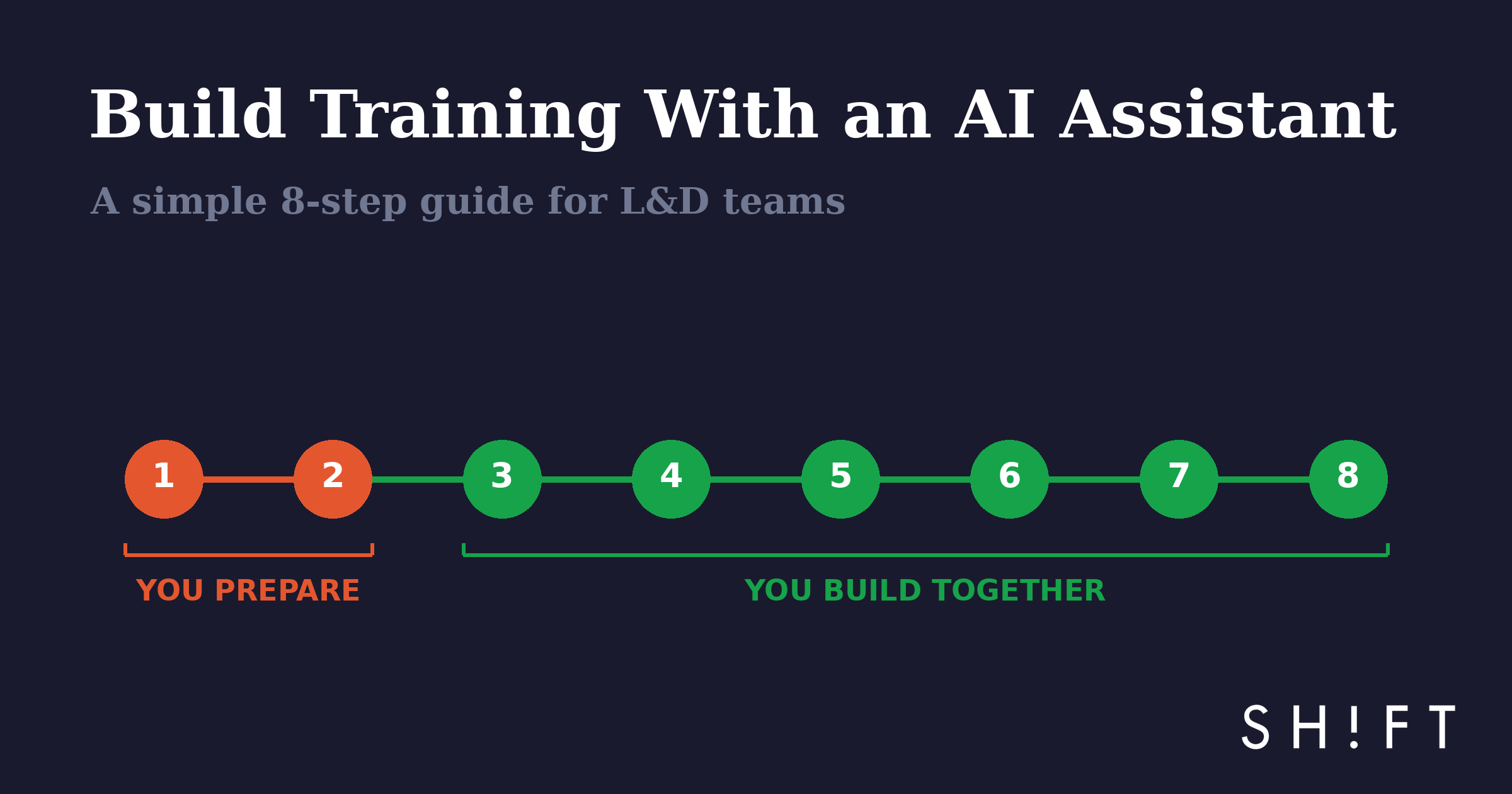
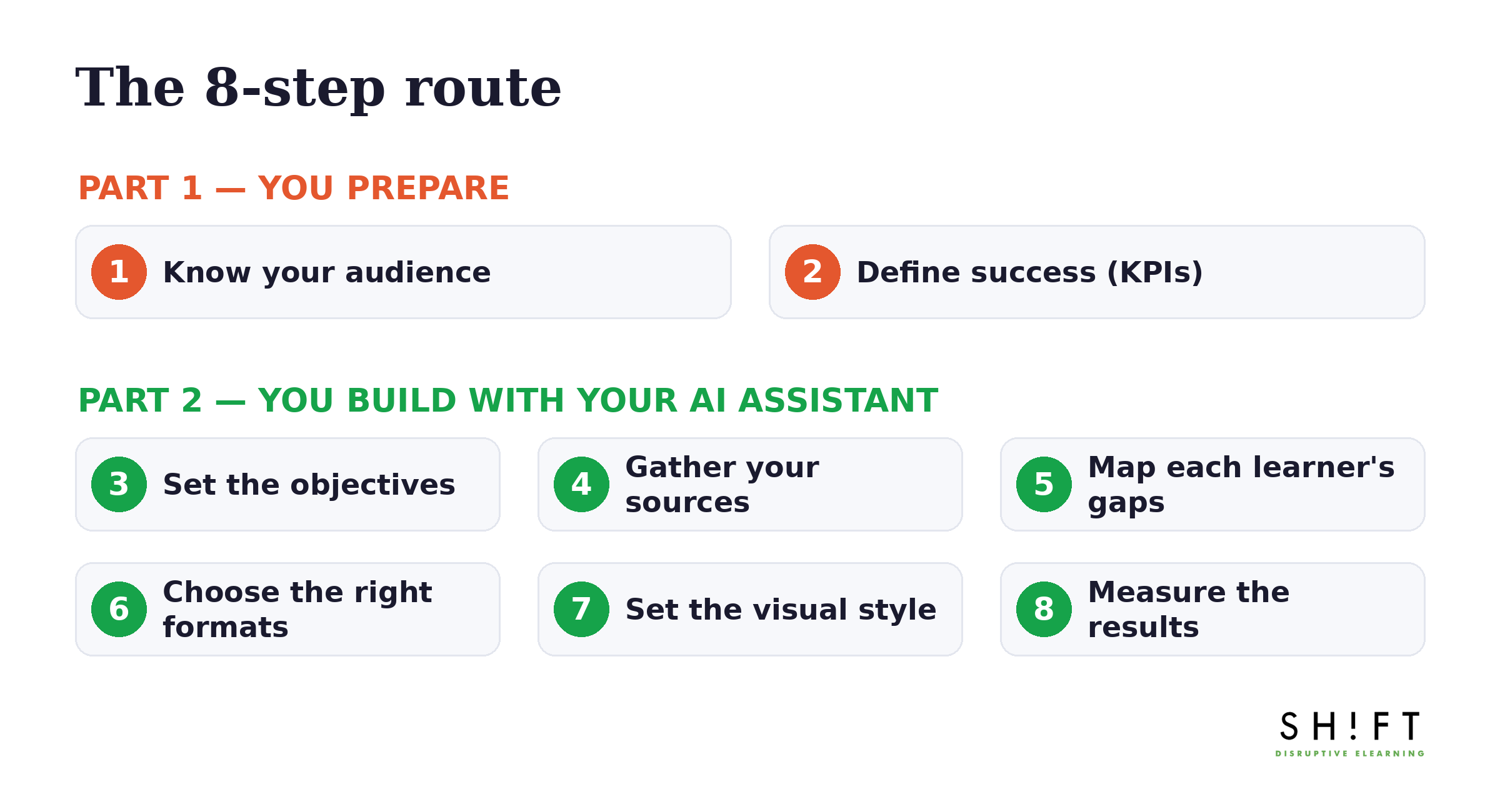
This guide has two parts: what you prepare first, and how you build together with your AI assistant. Eight steps total. Use it as a checklist.
Part 1: Before You Start
Two things only you can bring. No AI knows your organization better than you.
1Know your audience
Answer three quick questions:
- What industry are you in? A bank and a food plant need very different training, even on the same topic.
- Which departments is this for? Sales, operations, service — pick who's in scope.
- Who is the learner? Their experience level, their language, where they work (desk, plant floor, on the road), and how much time they really have.
Write the answer in one short paragraph. That's it.
2Decide what success looks like (your KPIs)
Ask one question: what should improve after this training? For example:
- Fewer safety incidents
- Faster onboarding for new hires
- Better customer service scores
- Fewer errors in operations
Pick one or two. These become your KPIs — and later, your proof that the training worked.
Ready? With your audience paragraph and your KPIs in hand, the fun part begins.
Part 2: Building Together With Your AI Assistant
From here on, it's teamwork. You bring the knowledge and the judgment. Your AI assistant brings speed and structure. Each step shows who does what.
3Set the learning objectives
You bring: your KPIs.
Your AI assistant: helps turn them into clear objectives.
One simple test: a good objective says what the learner will do. "Understand our credit policy" is weak. "Approve or escalate a request correctly" is strong.
4Gather your knowledge sources
You bring: your internal documents — policies, manuals, expert know-how — plus any public material on the topic.
Your AI assistant: reads it all, organizes it, and flags what's missing.
One golden rule: everything in the course should come from a source you provided. If it can't be traced to your material, it doesn't go in. That keeps the content accurate and truly yours.
5Map each learner's gaps
You bring: what you know about your people — new hires vs. veterans, one region vs. another.
Your AI assistant: helps build a short quiz that finds each person's starting point, so everyone skips what they already know.
Why it matters: nothing kills motivation faster than forcing experts to sit through the basics. Personalizing used to be too expensive to build. With AI, it isn't anymore.
6Choose the right content for each objective
You bring: your learners' reality — their day, their time, their job.
Your AI assistant: suggests the best format for each objective.
A simple cheat sheet:
- Decisions → practice scenarios
- Procedures → short demos, then practice
- Things people forget → short refreshers over time, not one long session
Start each lesson with a problem the learner recognizes from their real job. Then explain.
7Set the visual style
You bring: your brand and your world — a plant-floor course shouldn't look like a banking course.
Your AI assistant: creates images and visuals that match, fast.
Decide the style once, at the start. Consistent visuals make training feel professional and trustworthy.
8Measure the results
You bring: the KPIs from Step 2.
Your AI assistant: helps design assessments that test real skills, not trivia.
Then check three things:
- Can learners now do what the objectives promised?
- Is behavior changing on the job?
- Did your KPIs move? Check in 2–3 months and show leadership the difference.
If you did Step 2 well, this step almost takes care of itself.
The Payoff
Do this once and you get more than a course — you get a repeatable recipe. Your audience notes, your source library, your quizzes: everything gets reused. Every new course starts faster than the last.
That's what AI-assisted development really offers: a small L&D team doing the work of a big one, without losing accuracy or quality.
Where SHIFT Meteora Fits
SHIFT Meteora was built for exactly this way of working. You bring your audience, KPIs, and sources; Meteora works with your team through every step above — objectives, gaps, content, visuals, and measurement — always true to your sources and your brand. Its AI innovation has earned Brandon Hall Gold recognition, and it comes from a team creating eLearning since 1996, with 6 million+ learners trained in 43+ countries.
Want to try it on a real project? Bring your Step 1 and Step 2 answers — your audience and your KPIs — and we'll walk through the rest with you.
Talk to our teamReady to transform your corporate training?
See real results from companies that train with SHIFT — or talk to our team.