
Our blog provides the best practices, tips, and inspiration for corporate training, instructional design, eLearning and mLearning.
To visit the Spanish blog, click hereAre you looking for ways to simplify your eLearning design process? Today we're thrilled to announce a new, amazingly simple way to add visuals to your courses: SHIFT's New Image Gallery. In SHIFT, you can go beyond just loading your own images in our interfaces, now you have the possibility to choose an image from an extense and very complete gallery.
SHIFT offers you over 250 different types of screens, in different categories in order to meet different needs and achieve different learning objectives. Therefore, by using these smart templates it doesn’t mean anymore that every screen has to look identical. Instead, you can provide lots of variety and creativity to your courses.
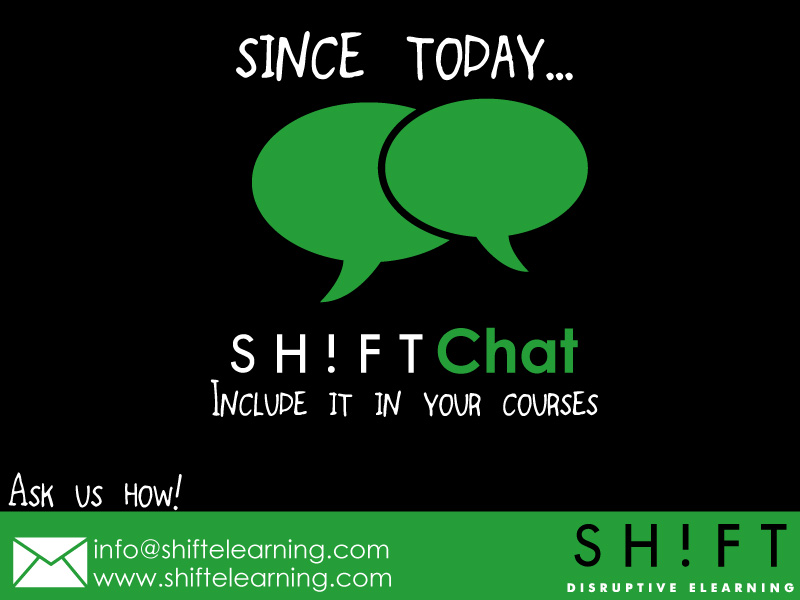
SHIFT Chat is a new feature that allows you to take online eLearning courses to a new level of interactivity. It is an enhancement that allows the learner who takes an eLearning course to communicate with a defined expert via a web chat window.
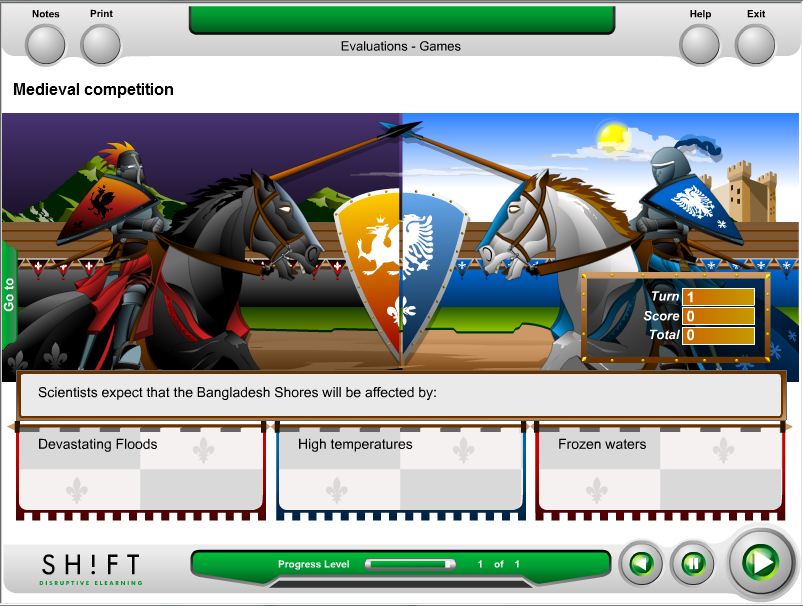
SHIFT's Game Engine continues to expand, with the addition of four new screens. Now you have more interactive and engaging options to include in your courses! What are the game screens?: The game screens allow the learner to review the subjects studied on the unit or topic by answering single choice questions with the extra challenge of winning the sport event or situation of the game. These screens bring a playful element to the elearning course, giving the student a chance to have a break and review the main concepts studied.
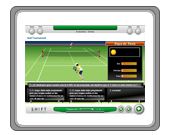
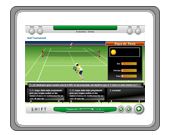
New eLearning Game Tennis is the newest sport offered by SHIFT's Game Engine where students will be able to compete to win a challenge.
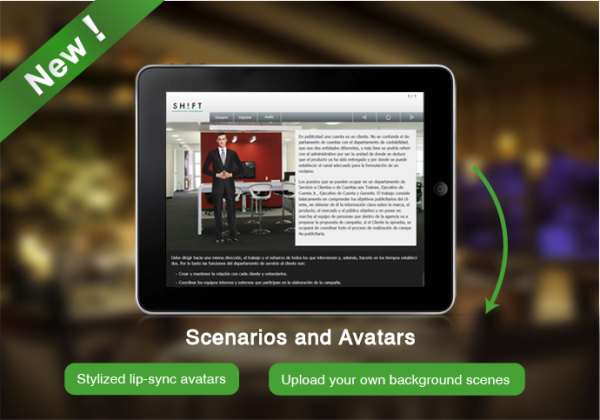
Six New Menus The six new automatic menus that have been added to SHIFT will let you present your course´s structure un a quick and easy way by simply clicking on a button. You can choose from a wide variety of interfaces the one that suits your course´s content best. These menus where created around topics like: technology, preserving the environment and economics, with different shades of green, blue and gray which you can customize to fit your company´s branding. Screen Report The new screen report added to SHIFT will let you know which interfaces were added to each course and the person who added them. This new feature also lets you see the different courses created and the amount of screens each course has in a particular period of time. The report is called "Created screens" and it can only be viewed by a user with an admin permit. Other Updates Updates on screen p63 The Common Game Engine or p63 will now display the instructions set out for each of the games in Portuguese. Also it will display text with bold format. The thumbnails and samples for all the games have been updated as well in order to show a better description of the interaction that the user wishes to select. Change in screen p31_45 The button labeled "Text" displayed in the lower right corner of this screen has been moved to the lower left corner. This is due to the fact that the button was cut out whenever certain image formats where used. Modifications to the Script The instructions for each of the questions added to the Choice with image screen or p23 will now be seen in the course´s script. Adjustments to the Scenario Builder All audio notes inside the Scenario Builder screen (p77) have been updated in order to record the changes performed to this particular field. Also the movement of the character´s mouth has been corrected so that it stops moving its lips whenever the user presses the pause button.
Game Engine SHIFT offers you 7 new games that allow you to give more interactivity to your courses. Among these you´ll find: Baseball Tournament, Basketball Tournament, Golf Tournament, Bowling Cup, etc. The games have instructions which are displayed automatically and you need to include a minimum of 5 questions per game which are displayed randomly.
SHIFT Share is our innovative online community supporting the students in the global SHIFT Certification program. We welcome new students weekly and utilize SHIFT Share to communicate and collaborate with the over 100 independent instructional designers who are currently in the program. To bring exposure to our talented SHIFT students, we will be introducing the SHIFTERS area in April. This area showcases the instructional designers who are going through the certification program and want to highlight their experience and expertise in the e-learning field. This added exposure will further enable learning, discussion and networking inside of SHIFT Share. SHIFT is changing both the way eLearning is developed and managed; and professionals from the around the world are noticing and want to take part in this disruptive technology. As our award-winning e-learning authoring tool continues to grow, so does the global e-learning community around it.
We combine best-in class technology, strategy and future-proof business solutions to bring your content to life, faster!